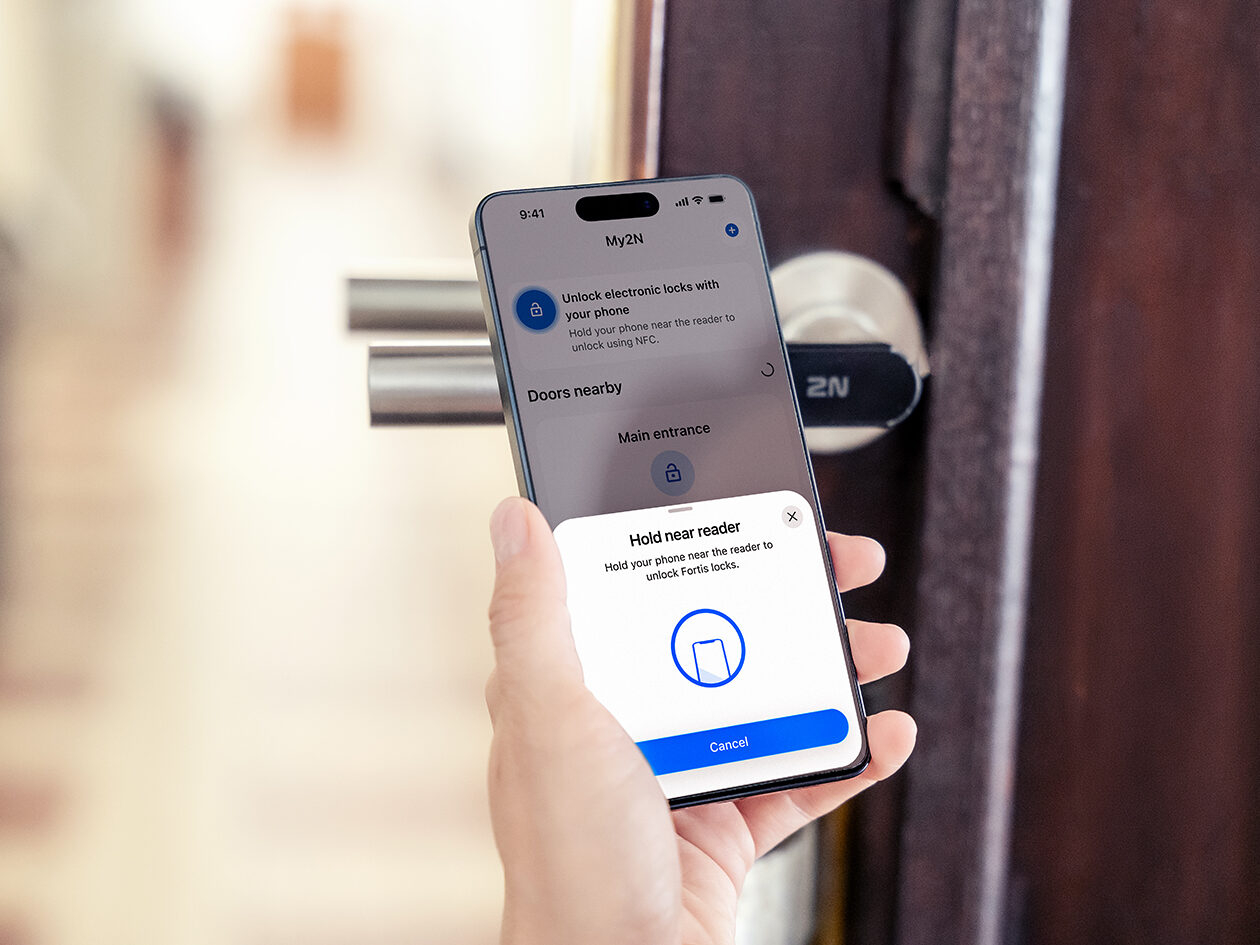

2N is expanding the mobile access capabilities of the My2N app to include the 2N Fortis Handle and 2N Fortis Cylinder electronic locks. Residents can now use a single app to go from the main entrance through common areas and all the way into their apartment, without having to combine their phone with keys or access cards. Another advantage of electronic locks is that they require virtually no building work, such as running cabling to the door.
A premium standard starts with simplicity
Mobile access is gradually becoming a standard part of access control systems in both residential and office buildings. According to the global HID 2025 State of Security and Identity Report, 61% of security managers see mobile access as one of the key trends. Extending the My2N app to support Fortis locks brings this access to individual apartment and office doors as well.
“Picture a typical situation: you are coming home after work in the evening, carrying groceries in each hand. Or you have two children and are coming back from the playground with a scooter, a bike and a pile of toys. Maybe you are moving something and carrying a large box or a plant pot. There are plenty of moments every week when we move through a building with our hands full. That is exactly when you notice the difference between having to fish around for keys and look for a card. You also always have your phone with you. It is easy to forget a key or card, but not your phone. Extending My2N to Fortis locks is therefore an important step towards using a single access credential for the entire journey through a building,” says Michal Kratochvíl, CEO of 2N.
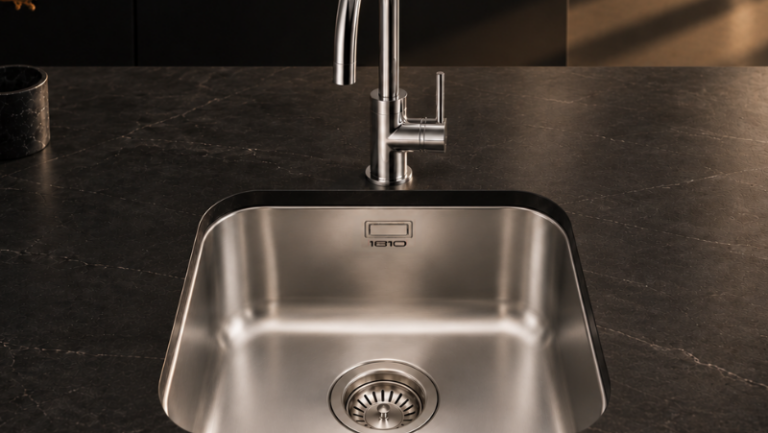
2N Fortis locks are electronically controlled and suitable for both office and residential buildings. They feature a sleek, modern design, LED indicators and battery power. Other benefits include quick and efficient installation with no cabling required, easy integration into the 2N ecosystem managed through 2N Access Commander, and broad compatibility with most European doors.
One app for access throughout the building
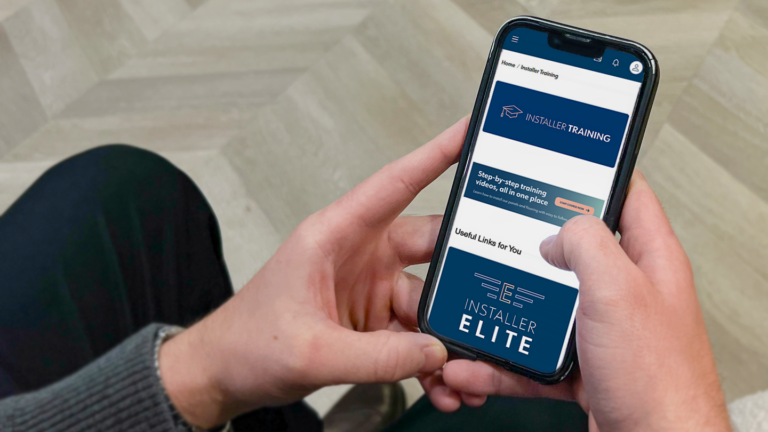
My2N brings mobile access and visitor communication together in one place. In the app, a resident can answer a video call from an intercom, remotely let a visitor into the building, or send them a time-limited QR code or PIN. When moving through the building themselves, they can use the same app to unlock the main entrance, doors to common areas equipped with 2N devices and, now, the Fortis lock on their apartment or office door. This means they do not need different access credentials or apps for different parts of the building.
The user experience varies only slightly depending on the device type. The main difference is the communication technology used in the background:
- Intercoms and access readers use Bluetooth for mobile access
- Fortis locks use NFC for mobile access
Doors without cabling
Fortis electronic locks extend the 2N access control system to doors where cabling cannot be installed for technical reasons or where it would not be cost-effective. This is particularly useful when retrofitting existing residential and office buildings. A wired solution for every apartment or office would require new cable runs, drilling and further work in common areas or finished interiors. Fortis locks operate offline and are battery-powered, so they require neither a power supply nor data cabling. This can significantly reduce the scope of construction and installation work.
Two variants are available, each designed for a different use case. The 2N Fortis Handle is an electronic door lever that secures the latch, primarily serving offices, meeting rooms, storage rooms and similar spaces. In contrast, the 2N Fortis Cylinder primarily secures apartment doors. Installers can integrate both lock types into the same system as 2N intercoms and Access Units. In 2N Access Commander, integrators can therefore manage access permissions and time profiles for individual users and devices across the building.
My2N support can also be added to already installed 2N Fortis Handle and 2N Fortis Cylinder locks through app updates. There is therefore no need to replace existing hardware or purchase a separate licence. This allows mobile access to be added gradually to projects that have already been completed.